
Updated: November 5, 2026
AI writing tools are now part of everyday work. Students use them for drafts, writers use them for ideas, and companies use them to produce content at scale. That has created a new question: how do you tell whether a piece of text was written by a person or by a machine?
That is the job of an AI detector. It is a tool that analyzes text and estimates how likely it is that an AI model produced it. In this guide we compare the top AI text detectors, explain how they work, and cover their limits, so you can pick the right one for your needs.
What Is an AI Detector?
An AI detector is software that analyzes text, images, or audio and gives a statistical estimate of whether an AI model created it. For text, the tool gives you a score or percentage. It is an estimate of likelihood, not a final verdict.
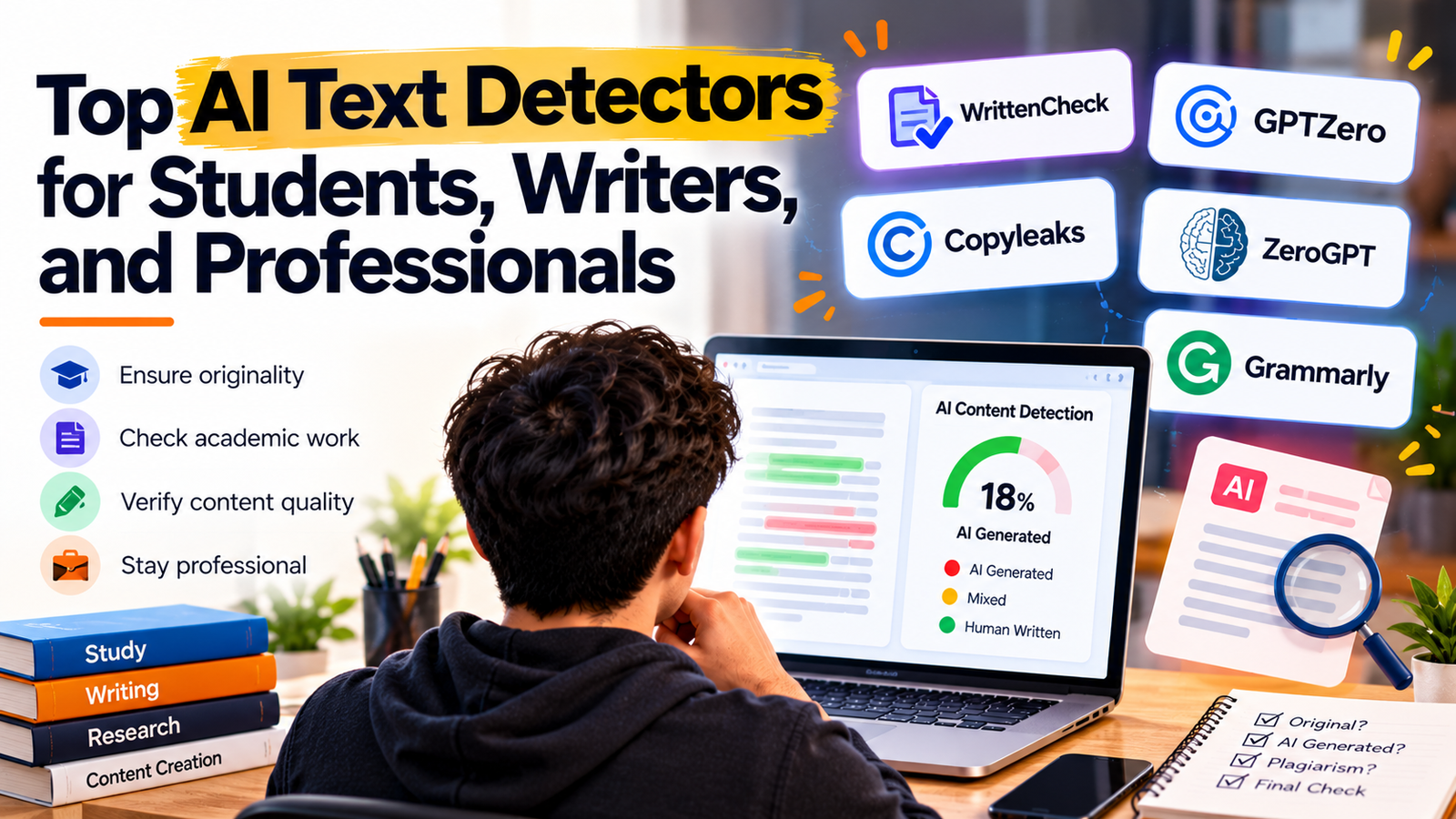
Top AI Text Detectors
1. WrittenCheck: Best Free Option With Sentence-Level Results
WrittenCheck is a free AI detector that checks whether text was written by ChatGPT, Claude, Gemini, or other AI tools. It stands out because it is free, needs no sign-up, and shows you its working instead of giving you one unexplained number.
What you get with WrittenCheck:
- Free, with no sign-up. There is no paid plan. You can run up to 200 checks a day.
- Up to 3,000 words per check. The minimum is 40 words, and a few hundred words give the most reliable result.
- Sentence-by-sentence marking. Every sentence is marked, so you can see exactly which parts read like AI.
- A score, a likely range, and a confidence level. You see a score from 0 to 100, a range such as 86 to 100, and how sure the check is. This is more honest than a single percentage.
- 17 languages. English, Arabic, Chinese, French, German, Hindi, Indonesian, Italian, Japanese, Korean, Portuguese, Russian, Spanish, Tagalog (Filipino), Thai, Turkish, and Urdu.
- Privacy. Text is checked in memory and thrown away. It is not stored, logged, or used for training, and it is not sent to ChatGPT or any other AI service.
- File upload. Paste your text or upload DOCX, PDF, or TXT files.
- Android app. Scan a printed page with your camera, open files, or share text from another app. History stays on your phone.
- API and widget. Useful for teams that want to build detection into their own tools.
How to read the score:
| Score | Meaning |
| 0–44 | Likely human-written |
| 45–69 | Mixed or unclear, common with edited AI drafts or very formal writing |
| 70–100 | Likely AI-generated |
Accuracy, stated honestly. In its own held-out test on 14 October 2026, run on 15,089 texts in 16 languages other than English that the model had never seen in training, WrittenCheck caught 96.8% of the AI writing and wrongly flagged 0.17% of the human writing. These are the site’s own test figures. Like every detector, it is weaker on short texts, rewritten AI drafts, and unusual styles.
Best for: students who want to check an essay before submitting it, teachers who want a second look before starting a conversation, writers who use AI for first drafts, and editors who want to check content before it goes live.
2. GPTZero
GPTZero analyzes writing complexity (perplexity) and sentence variation (burstiness) to flag content from models such as ChatGPT, GPT-5, and Gemini. It is well known in education.
Best for: teachers and institutions that want a widely recognized name.
3. Copyleaks
Copyleaks offers sentence-by-sentence statistical frequency analysis and supports more than 30 languages.
Best for: organizations that need very broad language coverage.
4. ZeroGPT
ZeroGPT uses deep learning models to screen output from multiple AI platforms.
Best for: quick, simple checks of text from different AI tools.
5. Grammarly AI Detector
Grammarly’s AI Detector combines authorship categorization with inline feedback and text-rewriting options.
Best for: people who already use Grammarly and want detection inside their writing workflow.
Quick Comparison
| Tool | Strength | Languages | Price model |
| WrittenCheck | Sentence-level marking, score range and confidence, privacy | 17 | Free, no sign-up |
| GPTZero | Perplexity and burstiness analysis | See site | See site |
| Copyleaks | Sentence-by-sentence analysis | 30+ | See site |
| ZeroGPT | Multi-model screening | See site | See site |
| Grammarly | Inline feedback and rewriting | See site | See site |
How AI Detectors Work
Most detectors rely on a few core ideas:
- Perplexity measures how predictable the word choice is. AI tends to pick the most probable next word, so its writing has lower perplexity.
- Burstiness measures variation in sentence length and structure. Human writing mixes short and long sentences, while AI writing tends to sound more uniform.
- Probability scores are shown as a percentage or a 0–100 scale. They show likelihood, not proof.
Some tools, such as WrittenCheck, go further by training a language model on large sets of known human and AI writing and then scoring each sentence on its own.
Read Also: 5 Best AI Video Editing Tools for Businesses
Limitations: What Every AI Detector Gets Wrong Sometimes
No detector is perfect, and you should know the risks before relying on any of them.
- False positives. Non-native English writers, academic papers, and very formal or formulaic human writing are sometimes flagged incorrectly.
- False negatives. Paraphrasing, AI “humanizer” tools, and heavy editing can make AI text slip through.
- Not proof. Educational and scientific institutions advise against using a detector as the only evidence of academic dishonesty, because detectors measure statistical similarity, not certainty.
How to Use an AI Detector Responsibly
- Use enough text. A few hundred words give far more reliable results than a few lines.
- Look at the whole picture. Read the score, the range, and the confidence together.
- Treat results as a starting point. A score should begin a conversation, not end one.
- Check drafts and context. For students, compare with earlier drafts, notes, and other work before drawing conclusions.
- Remember it is not a plagiarism checker. AI detection and plagiarism detection are different things.
Which AI Detector Should You Choose?
- Students: Choose a free tool that shows which sentences are flagged, so you can revise your own writing. WrittenCheck’s sentence-level results and no-sign-up access make it an easy first choice.
- Writers and bloggers: Use a detector to see which parts of an AI-assisted draft still read like AI, then edit them in your own voice.
- Teachers: Use a tool that gives a range and confidence level, and never rely on a single score to make an accusation.
- Professionals and editors: Check articles and client content before publishing, and consider an API if you need to check at scale.
Final Thoughts
Every tool on this list has its place. GPTZero, Copyleaks, ZeroGPT, and Grammarly each have loyal users. If you want a free detector that needs no sign-up, supports 17 languages, marks every sentence, protects your privacy, and is honest about its limits, WrittenCheck is a strong place to start.

Amir Siddiqui is a Digital Marketing Expert and SEO Specialist with over 8 years of experience helping businesses grow through data-driven digital marketing strategies. As the Founder of Web Marlins Pvt. Ltd., his core expertise lies in Search Engine Optimization (SEO), including Technical SEO, Local SEO, AI SEO, and content strategy. He has helped businesses across India, the USA, and the UAE improve search rankings, increase organic traffic, and generate high-quality leads through sustainable, results-focused SEO solutions.